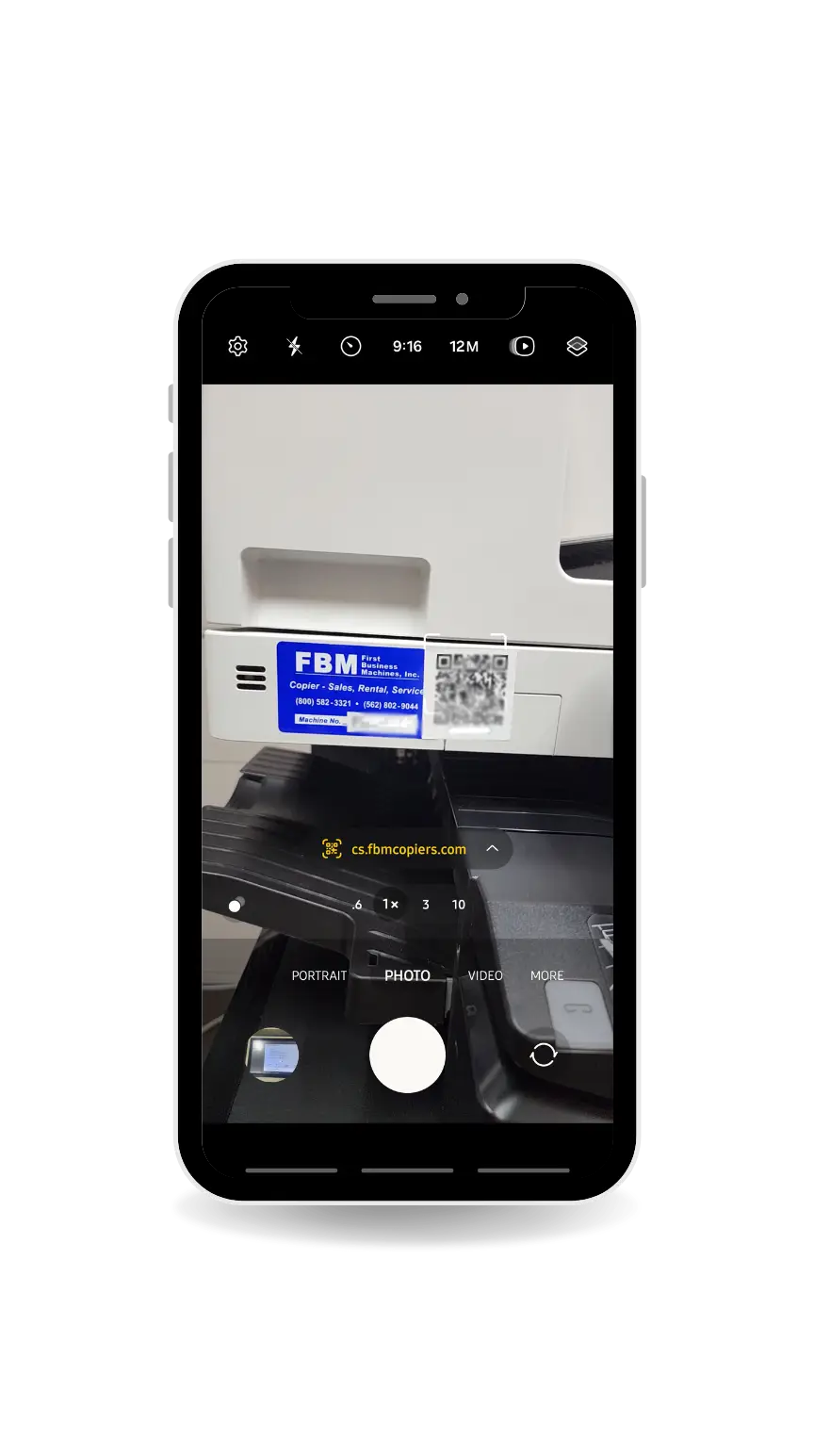
Open your smartphone’s Camera app (no special app needed).
Hold your phone steady and make sure the QR code is clearly visible on your screen.
Scan the QR code on the copier
Point the camera at the QR code sticker attached to the copier and keep it centered in the frame.
Within a second or two, a notification/banner will appear with a link.
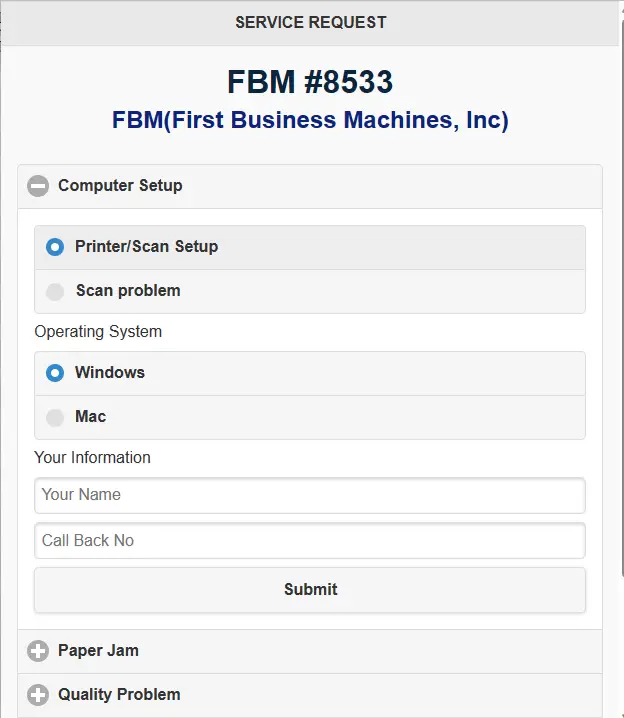
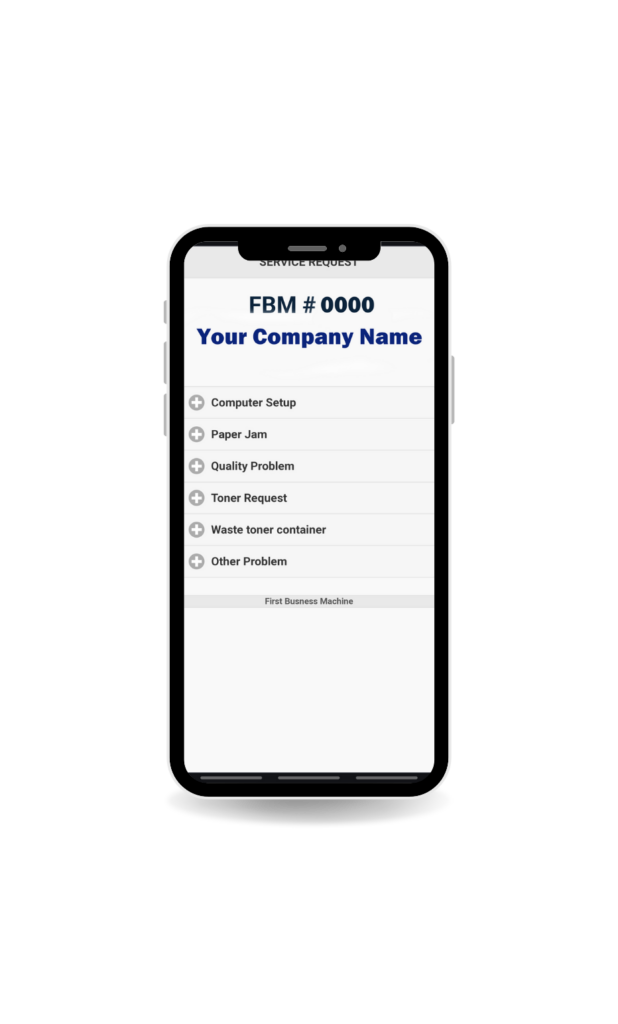
Tap the link and choose your request
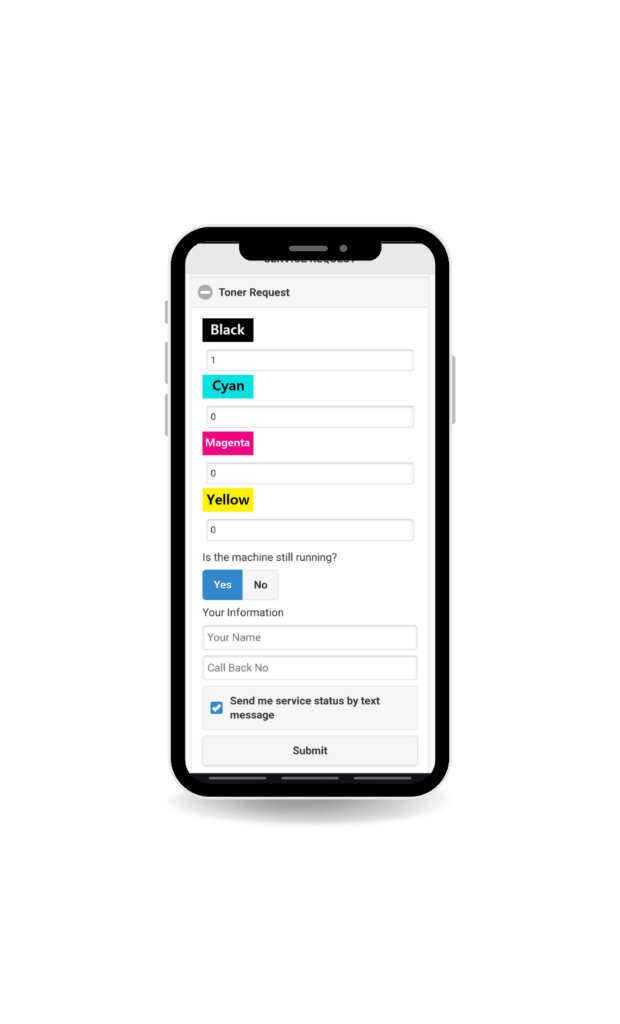
Then choose the type of request you need, such as:
Toner Order/
Report a Problem / Service Request/
Printer Setup on a Computer/
General Support
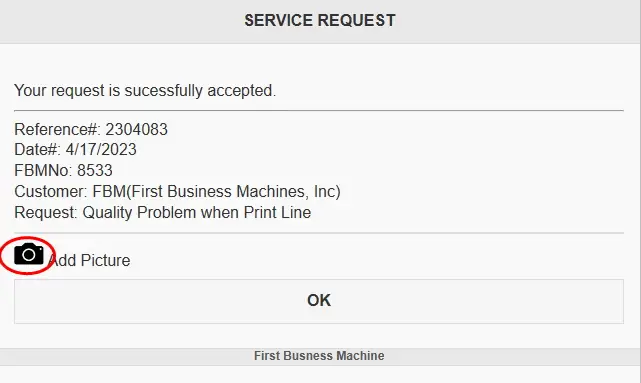
You’re all set. We’ll take it from here.
Your request has been submitted successfully. Our technicians will review it and respond as quickly as possible.
Request Anything You Need
Submit service requests, toner orders, printer setup requests, and general support — all through one QR system. You can also upload photos to help us diagnose issues faster.
At FBM Copier, we aim to simplify your office needs with reliable copier rental services. Our mission is to ensure you have access to quality equipment and support.
We believe in offering flexible leasing options that fit your unique requirements. With our maintenance packages, you can focus on your work while we take care of your copier needs. Your satisfaction is our priority, and we’re here to provide friendly and efficient service every step of the way.